Start with the right guide
Connect Facebook once, then choose the bulk scheduling method that feels easiest. Every guide uses the same screens and controls available inside PostScheduling.
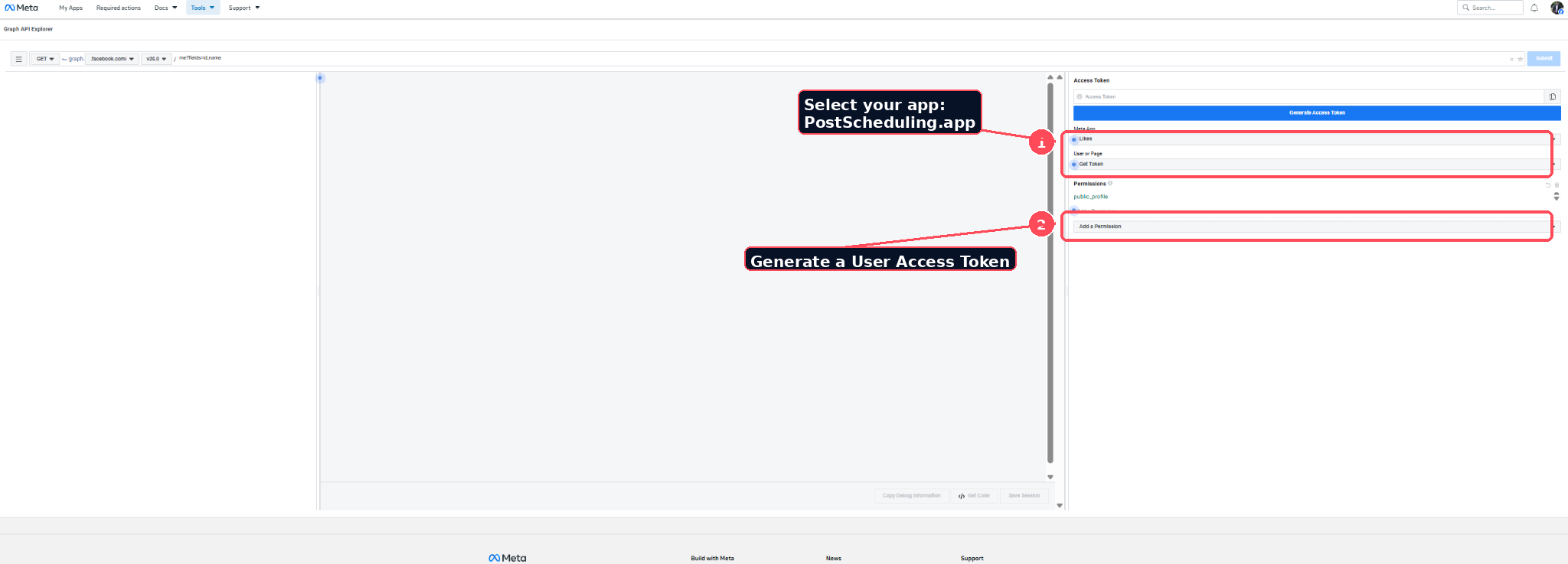
Connect Facebook Pages
Generate the required access with Graph API Explorer and securely import your Pages.
Open connection guide →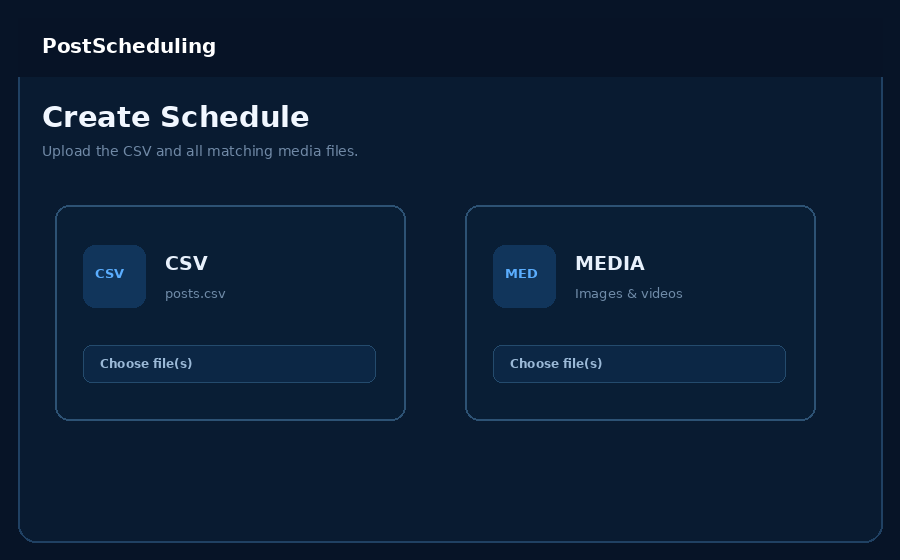
Easy Builder
Select a media batch, choose one starting time and automatically build the schedule—no CSV or filename copying.
Open Easy Builder guide →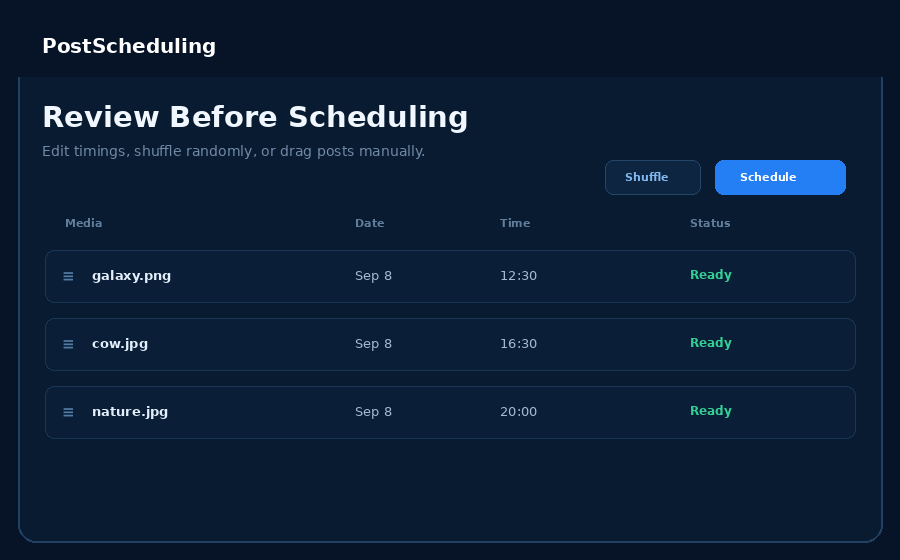
Manual Builder
Bulk-select your media, type a separate caption beside every preview and fine-tune each schedule slot.
Open Manual Builder guide →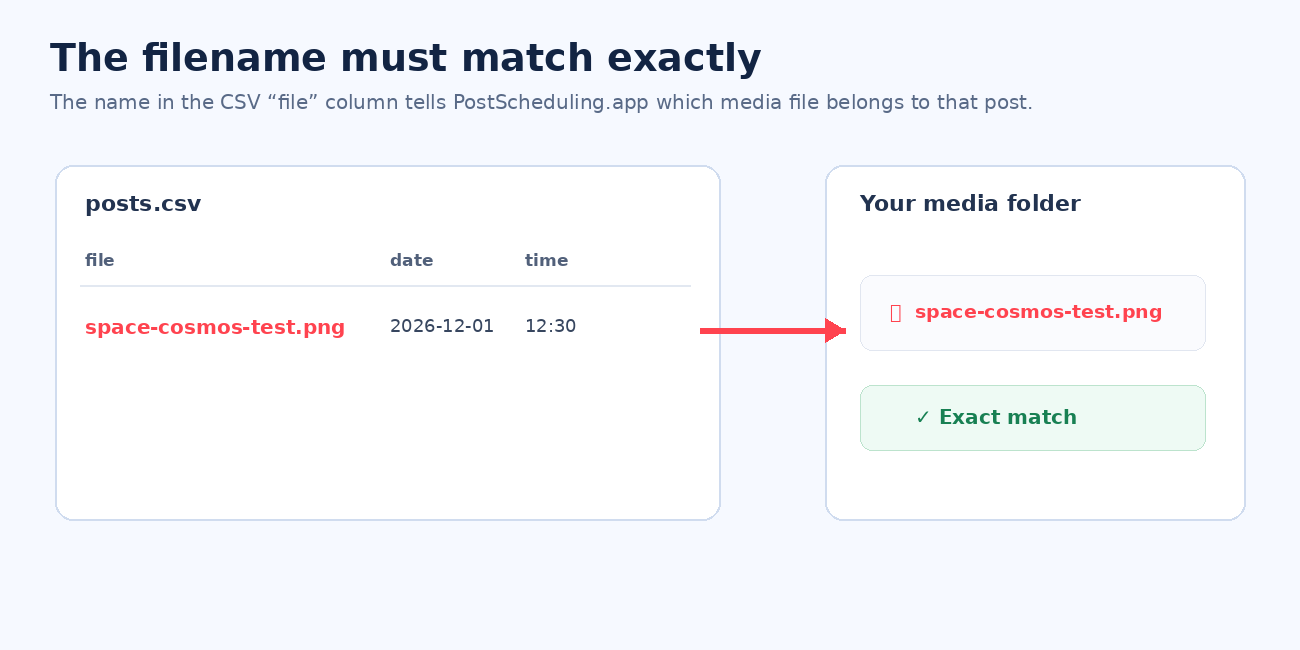
CSV Scheduling Guide
Format a prepared CSV, match filenames, validate the batch, shuffle or drag, then schedule.
Open CSV guide →Contact support with the PayPal transaction/order information. Never send Facebook access tokens, passwords or 2FA codes.
Use the connection guide to generate a fresh response, then reconnect. The dashboard will prompt you automatically when access expires.
Support contact: itsparthgalhotra@gmail.com